
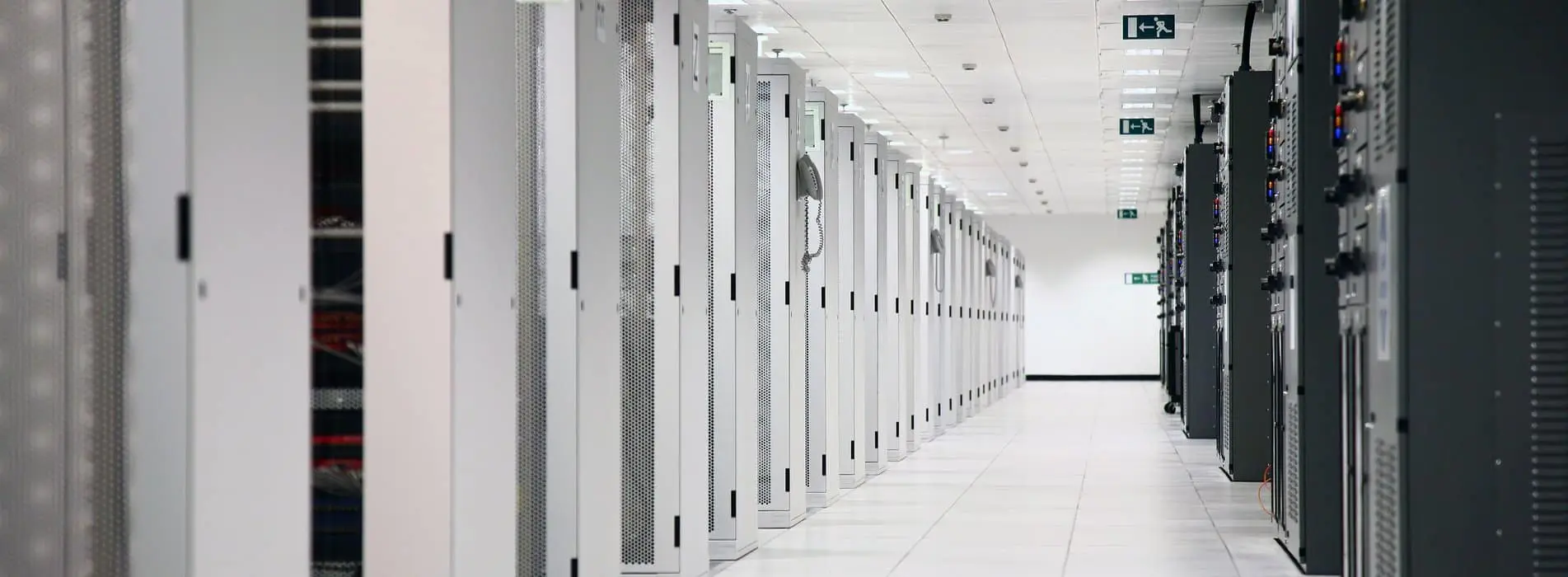
It should have been an easy task: I was supposed to label and tag equipment for my client’s data center using Revit. Simple, right? Nope. Revit’s schedule system does not allow copying or pasting into multiple cells, which meant that I’d have to enter thousands of lines of information manually.
Automation would have been the perfect solution to this complex, monotonous process, which was prone to human error. But the original manual process was conducted in the MEP (mechanical, electrical, plumbing) trades’ models and this caused many disruptions to individual team members, due to changing the parameters of their models. To combat this, I would do all the manual input either late at night or early in the morning while no one else was working in the model.
I knew there had to be a better way.
I spoke with Brian Fields, associate and colleague who taught me the system, and he agreed, but he did not have the time to research an alternative when he was doing production. I asked if I could spend the rest of the day developing something to help, and he was gracious enough to support me in this endeavor. I then asked our local BIM (Building Information Modelling) team for guidance, and they directed me to a Revit tool that Syska utilizes. I was able to use this tool to export the parameters into Excel.
An interim solution:
Problem fixed temporarily. The time required to complete the tagging process was dropped from potentially 40-60 hours down to 8 using this Excel-based interim solution. After we began adopting the new process, Syska’s Telecom group collaborated with our client’s subject matter experts to construct a new template for equipment labeling. These templates revolutionized the process and helped to tear down the barriers to understanding the equipment tagging requirements.
This interim solution was great for me, but as I have an intimate knowledge of the client’s systems and data centers, the translation of this process to other team members was difficult. Teaching this more automated process to designers required many hours of training by me. I soon realized that the next iteration had to be simple and elegant enough for anyone to use without any prior knowledge or project/client history. In short, it was time to call upon Syska (Hennessy) Innovations.
A Revit-based solution:
Syska Innovations formed a team to further improve the process with a more automated system. Eventually, the team produced a fully automated Revit tool that could complete the daunting task of labeling every piece of equipment in just a few seconds and two clicks.
The tool works just like any other Revit standard toolbar item, so it is familiar to even the most novice designer. Furthermore, it’s customizable, allowing for evolution in labeling standards in the future. It enables us to pass the torch to the design trades to complete this step in their models – a telecom designer needn’t be familiar with electrical or mechanical models to use it. The upshot is the removal of another potential point of conflict or failure.
Given the form factor of the new automated solution to the equipment tagging process, it can be easily integrated into another company innovation — our ETT utility, which all users across Syska can access.
The tool is now being used as an integral part of the design process for our client on both electrical and mechanical fronts.
In total, this innovation has saved around 640 hours of manual input and has significantly reduced errors. That’s an outcome we all appreciate.